

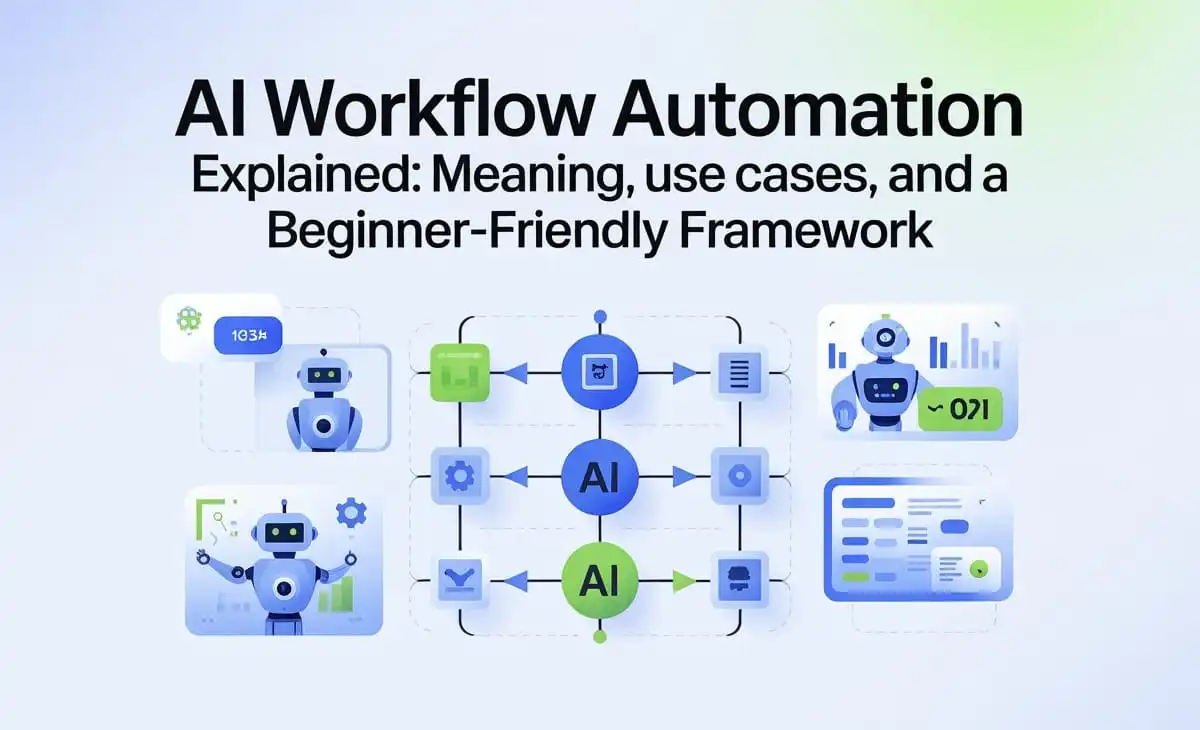
AI workflow automation is one of those phrases that sounds complex, but the idea is simple. It means using automation tools, often powered by artificial intelligence, to handle repeatable tasks across your daily processes. Instead of doing the same work manually every time, AI helps you trigger actions, move information, and make decisions faster.
This is not about replacing humans. It is about removing busywork so people can focus on higher-impact tasks like strategy, creativity, and customer experience.
What does AI workflow automation mean?
A workflow is a step-by-step process, like:
- A customer fills out a contact form
- A ticket is created
- A support rep gets notified
- The customer receives an email reply
- The issue is tracked until resolved
Workflow automation is when those steps happen automatically based on rules. AI workflow automation adds intelligence to that system, such as understanding text, recognizing intent, generating responses, or prioritizing tasks.
In short, it helps you do more with fewer manual steps.
How AI workflow automation works (in plain English)
Most AI workflow automation systems follow a pattern:
- Trigger: Something happens, such as a new email, form submission, or file upload
- Input: Data is collected from the trigger, like names, dates, or messages
- Processing: AI analyzes the input, summarizes it, categorizes it, or extracts key details
- Action: The system performs an automated step, such as sending an alert, updating a database, or assigning a task
- Feedback loop: Humans review results, adjust rules, and improve the workflow over time
Even the simplest workflows can save hours per week when they remove repetitive tasks.
Real-world use cases of AI workflow automation
Here are practical areas where beginners can start seeing value quickly.
1) Content and marketing workflows
AI can support content teams by automating steps like:
- Creating content briefs from keywords and search intent
- Summarizing competitor articles and structuring outlines
- Generating social captions and email variants
- Updating content calendars and reminders
The best approach is to keep humans in control of final approval, but let AI handle the drafts and organization.
2) Operations and admin tasks
Operations workflows are full of predictable steps, making them perfect for automation:
- Automatically sorting invoices and extracting totals
- Sending reminders for approvals and deadlines
- Moving documents into the correct folders
- Creating recurring reports
Even small improvements here reduce missed steps and reduce team stress.
3) Customer support and service flows
Support teams can automate:
- Ticket routing based on issue type
- Suggested replies based on previous answers
- Priority tagging for urgent messages
- Internal escalation workflows
This improves response time and gives agents more time for complex issues.
4) Product and website workflows
AI can assist teams with product-related tasks, including:
- Logging bug reports from chat feedback
- Summarizing user complaints into patterns
- Tracking feature requests automatically
- Alerting teams when key events fail
This is especially useful for fast-moving teams that release updates frequently.
A simple framework for beginners (so automation does not create chaos)
If you are new to AI workflow automation, use this simple framework before you build anything.
Step 1: Pick one repeatable task
Start with a process that happens often, such as weekly reporting, email sorting, or ticket triage.
A good rule is: if you do it more than twice a week, it may be worth automating.
Step 2: Document the steps
Write the workflow in 5 to 10 steps max. If it needs 30 steps, break it into smaller workflows.
Step 3: Define success and failure conditions
Ask:
- What does a correct output look like?
- What could go wrong?
- What is the risk if the automation fails?
This prevents you from building something that saves time but creates bigger problems later.
Step 4: Add human checkpoints
Beginner-friendly automation works best when humans can review key steps, especially for customer-facing actions.
Step 5: Measure and improve
Track outcomes like time saved, fewer errors, and faster turnaround. Improve the workflow based on real performance, not assumptions.
Quality checks before you automate (do not skip this)
Automation is powerful, but it can also make mistakes faster.
If your workflow touches a website, customer journey, or product experience, you need a way to confirm things still work after updates. A small change in a form, button, or checkout flow can break a process without anyone noticing until users complain.
That is why many teams pair workflow automation with automated QA validation. For example, Teams often pair workflow automation with testRigor, an automated QA tool, to confirm that critical flows still work after changes.
This keeps automation reliable, especially when your workflows depend on real user actions across web and mobile experiences.
Final thoughts
AI workflow automation is not about doing everything automatically. It is about choosing the right tasks to streamline, applying a clear framework, and validating results so workflows stay stable over time.
Start small, automate one workflow, monitor it, and expand only when you are confident. That approach leads to real productivity, not messy systems that no one trusts.
